Attackers go for the backups first
With stolen admin credentials, they delete or encrypt every backup they can reach before the ransom note appears.

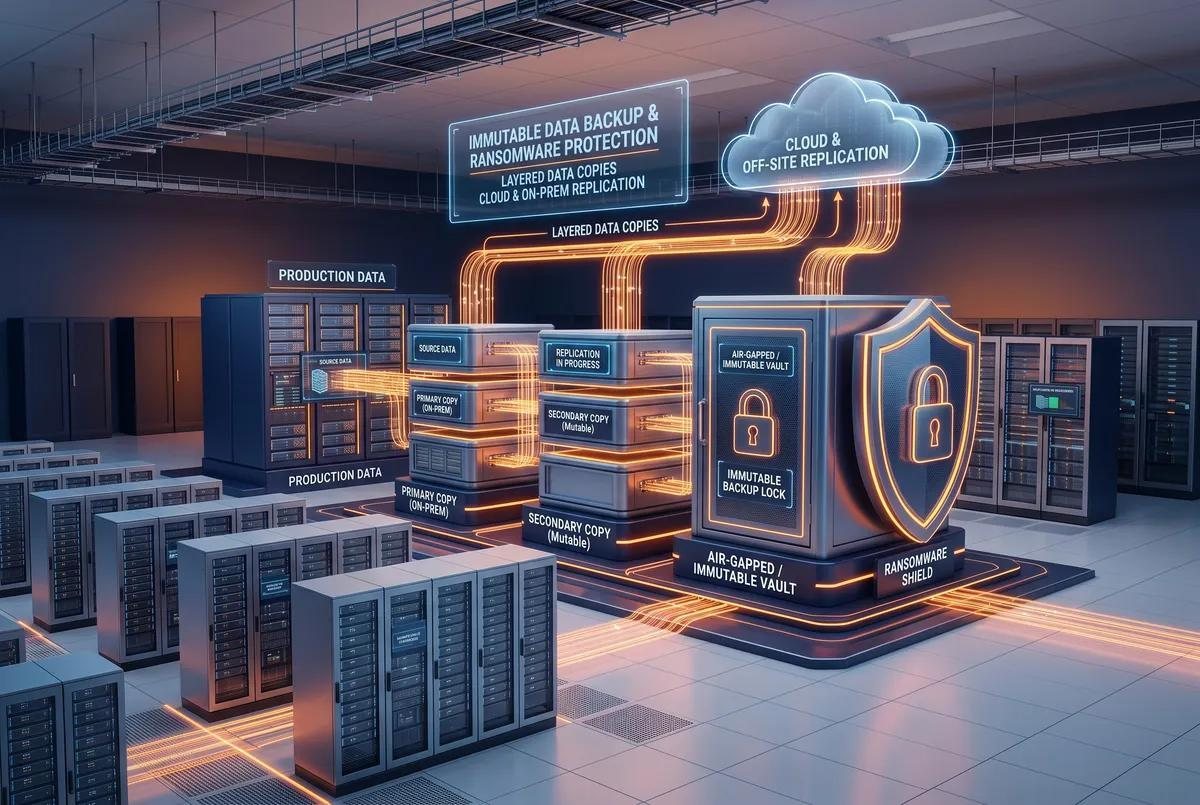
Doomsday Backup is the copy of your business built to stay out of an attacker’s reach: locked against change, stored off-site and separated from the credentials ransomware crews steal first. Then we prove it restores.
Backup software exists in almost every environment we assess. Working, tested, restorable backups exist in far fewer. The gap between the two is where ransomware events turn into ransomware disasters.
Our backup and disaster recovery service is designed around a single question: can we recover your business within the time your business can tolerate being down? Everything else — the software, the storage, the replication architecture — follows from the answer.
With stolen admin credentials, they delete or encrypt every backup they can reach before the ransom note appears.
Encrypted and deleted files replicate to your second site as faithfully as good ones do.
A green job report says the job ran. It does not say the application comes back.
Designed around your workloads and written into your proposal, so you know exactly what is protected, where it lives and how fast it comes back.
Retention-locked copies designed to refuse changes and deletion for the window you set, even from a compromised admin account.
A second copy in a separate facility, so a fire, flood or regional outage does not take the backups down with the servers.
For your most critical data: an encrypted copy with no network path back to production.
Scheduled test restores of real workloads, with a report showing what came back and how long it took.
How much data each application can afford to lose and how long it can be down: agreed, written down and designed for.
Who does what, in what order, with which dependencies. Written before the bad day, not during it.
Our NOC watches job results and replication health, and acts on failures instead of emailing you a report.
When you need to restore, CNS engineers work the recovery with you, following the runbook.
Backup success reports, restore test logs, and retention reports — documentation-oriented.
| Replication only | Doomsday Backup | Standard backup | |
|---|---|---|---|
| Server or storage failure | Yes | Yes | Yes |
| Deletion noticed weeks later | No, deletion replicates | Yes, within retention | Yes, within retention |
| Loss of an entire site | Yes | Yes, replicated off-site | Only if kept off-site |
| Ransomware with admin access | No, encryption replicates | Immutable, isolated copies | Often reached, deleted |
| Proof that it restores | Not tested | Tested, with a report | Rarely tested |
We inventory critical workloads, dependencies and who can delete today’s backups.
Protection, isolation, replication and retention matched to each workload.
We build it, seed the copies and document the recovery order.
Test restores on a schedule, with the runbook updated as you change.
Financial, legal and healthcare organizations that must show recoverability.
Businesses whose backups sit in the same building as the servers.
IT teams running backup jobs nobody has ever restored from.
Applicants asked to describe immutable and offline backups.
Protection depends on the final design, retention window and operating procedures set out in your written agreement. No backup architecture is immune to every scenario.
We review what you back up, where it lives and who can delete it, then tell you plainly what you could restore.